Sales and invoices
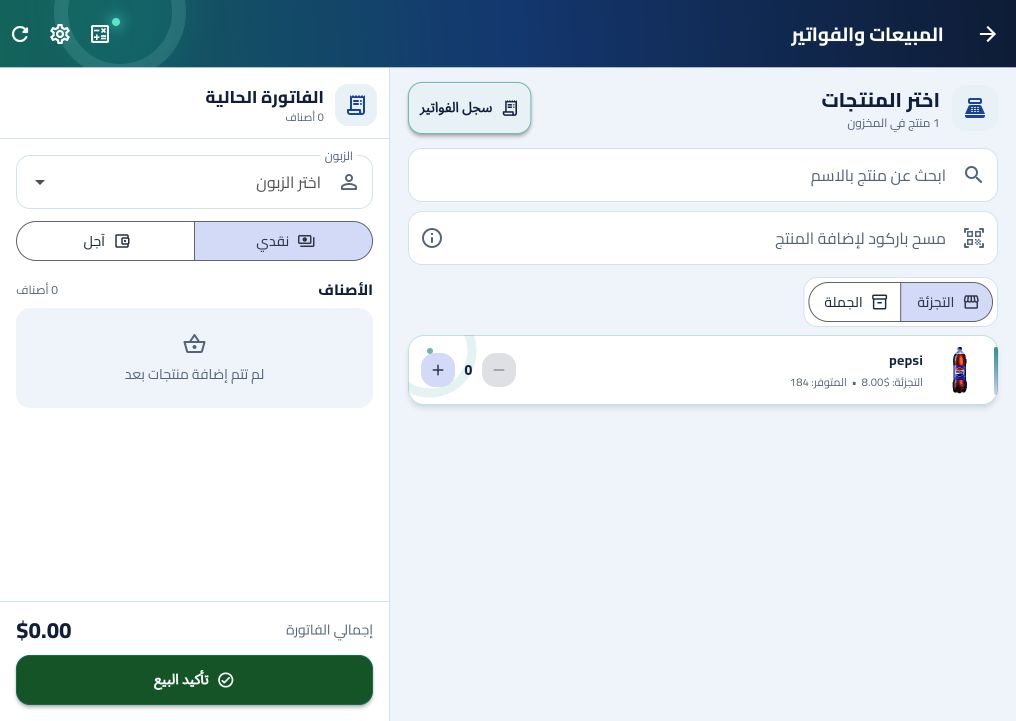
Create cash or on-account sales, add products by name or barcode, and print sales and purchase invoices in A4, thermal, or PDF formats.
 Ojadoo Point of sale and store management
Open Ojadoo POS
Ojadoo Point of sale and store management
Open Ojadoo POS
Point of sale and store management software
Ojadoo POS, also known as Ojadoo, is a point-of-sale and store management app for small retailers. It helps store owners record sales, create invoices, manage products and stock, track purchases and account balances, and review business reports from a phone or computer. The app interface and invoices are available in Arabic and English.
Open Ojadoo POS الصفحة العربيةCreate cash or on-account sales, add products by name or barcode, and print sales and purchase invoices in A4, thermal, or PDF formats.
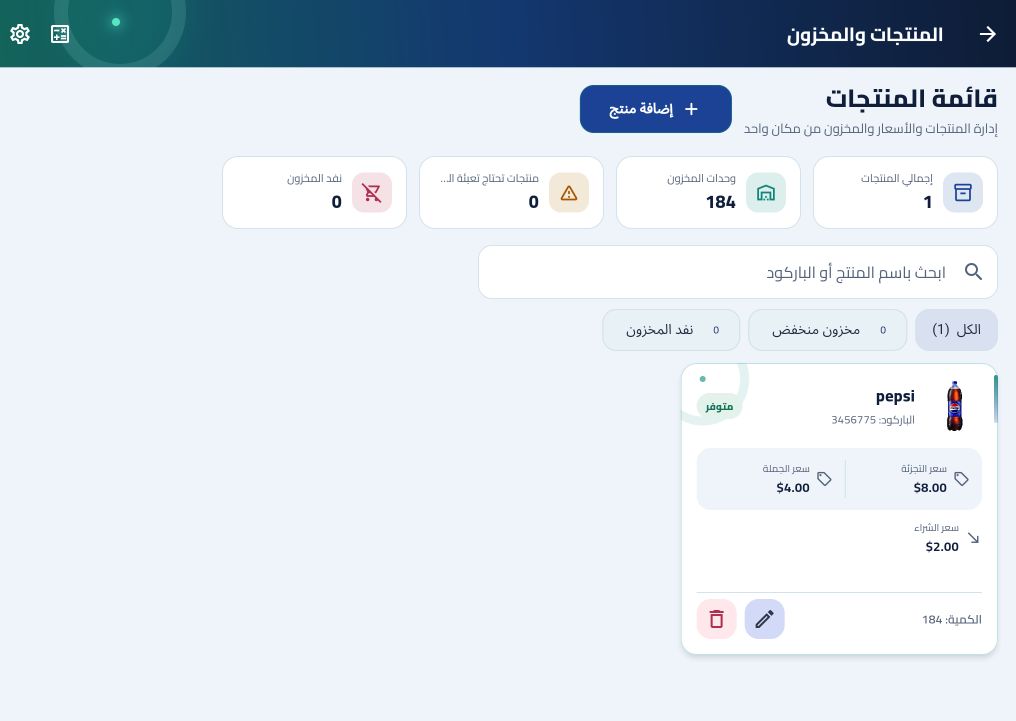
Record product names, barcodes, purchase and selling prices, and stock quantities. Review available units from the inventory screen.
Record purchase invoices and supplier payments, then review the balance recorded for each supplier.
Keep customer balances, debts, and payments alongside the store's sales records.
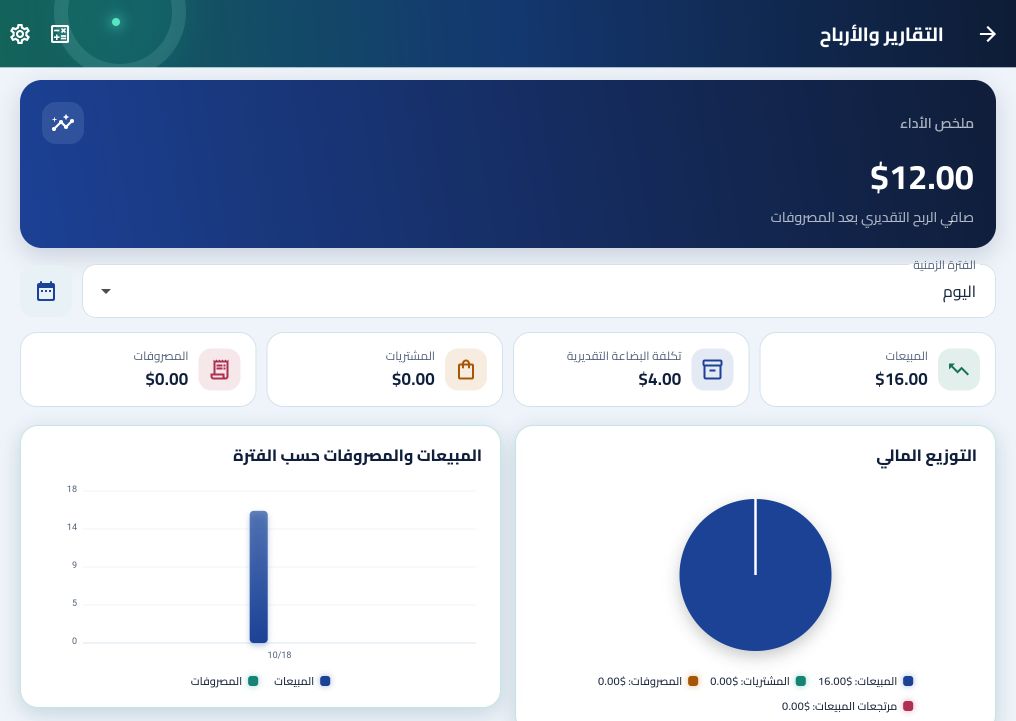
Record expenses and review sales and profit reports for a selected period. Report accuracy depends on complete and correct store entries.
Invite employees by email, assign a role, and choose which store sections they can access.
A practical example
Start by adding products and stock quantities. During a sale, select or scan a product, choose a customer if needed, select the payment method, and confirm the invoice. Later, compare sales, purchases, expenses, and profit for a chosen period.
After signing in, store changes can be recorded while offline on the device. They synchronize when the internet connection returns. To use a store on a phone and computer, sign in with the same account on both and connect them to the internet for synchronization. Save a cloud backup before restoring data on another device.
Ojadoo POS records retail sales and invoices and helps manage products, inventory, purchases, customer and supplier accounts, staff, expenses, and reports.
Yes. The app interface and its invoices support Arabic and English.
It is designed for small retail businesses that need to manage point-of-sale transactions, products, inventory, purchases, and store accounts.
Read the full Arabic guide or open the app to explore its store management tools.
Read the Arabic guide Open the app